College Time Table Manager
How to Use a TimeTable Manager to Plan Your Schedule
A time table manager is a software tool that helps you create and manage your schedule for school, work, or personal projects. It can help you organize your tasks, prioritize your goals, and optimize your time. In this blog post, I will show you how to use a time table manager to plan your schedule and achieve more.
What is a TimeTable Manager?
A timetable manager is a software tool that helps you create and manage your schedule for school, work, or personal projects. It can help you:
- Identify the availability of resources, such as teachers, rooms, equipment, etc.
- Assign tasks and activities to different time slots and days
- Avoid conflicts and overlaps between tasks and resources
- Adjust and modify your schedule as needed
- Track your progress and performance
Some examples of timetable managers are:
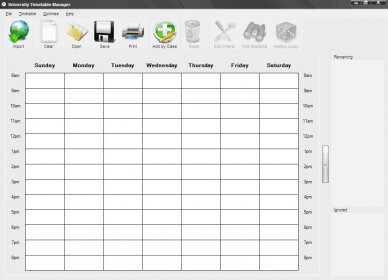
- Time Table Manager (PlaneR) - a timetable management software for schools, colleges and other educational institutions³
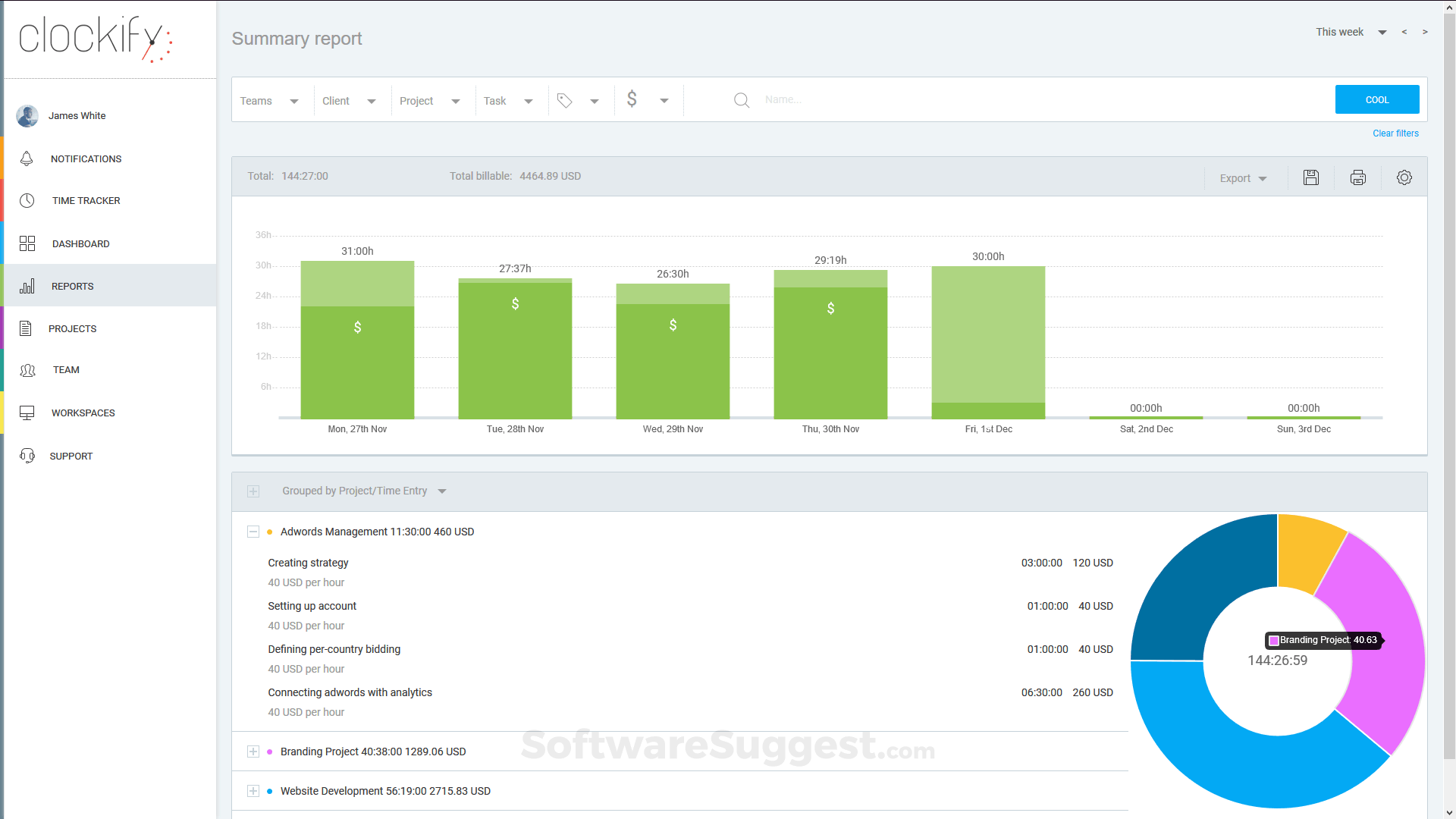
- Clockify - a work hours tracker that helps you track your time, productivity, and billable hours²
- Plaky - a project and task management software that helps you plan, collaborate, and deliver projects¹
How to Use a Time Table Manager to Plan Your Schedule
Using a time table manager to plan your schedule can help you organize your time more efficiently, avoid stress and procrastination, and achieve your goals. Here are some steps to use a time table manager to plan your schedule:
1. Define your goals and priorities. Before you start creating your schedule, you need to have a clear idea of what you want to achieve and why. You can use the SMART criteria to set specific, measurable, achievable, relevant, and time-bound goals. You also need to prioritize your goals according to their importance and urgency. You can use the Eisenhower matrix to categorize your tasks into four quadrants: do first, schedule, delegate, or eliminate.
2. Choose a time table manager that suits your needs. Depending on your goals and preferences, you can choose a time table manager that offers the features and functions that you need. For example, if you are a student who needs to create a timetable for your classes and assignments, you can use Time Table Manager (PlaneR) or Google Calendar. If you are a freelancer who needs to track your time and billable hours, you can use Clockify or Toggl Track. If you are a project manager who needs to coordinate tasks and deadlines with your team members, you can use Plaky or Asana.
3. Create your schedule using the time table manager. Once you have chosen a time table manager, you can start creating your schedule using the tool. You can follow these steps:
- Add all the tasks and activities that you need to do or attend
- Assign each task or activity a duration, deadline, priority, category, etc.
- Allocate each task or activity to a specific time slot and day
- Check for any conflicts or overlaps between tasks or resources
- Adjust and rearrange your schedule as needed
4. Follow your schedule and track your progress. After creating your schedule, you need to follow it and stick to it as much as possible. You can use the time table manager to remind you of your tasks and deadlines, track your time spent on each task or activity, monitor your performance and productivity, and report your results. You can also use the time table manager to review your schedule periodically and make any changes or improvements as needed.
Conclusion
A time table manager is a software tool that helps you create and manage your schedule for school, work, or personal projects. It can help you organize your tasks, prioritize your goals, and optimize your time. To use a time table manager to plan your schedule, you need to define your goals and priorities, choose a time table manager that suits your needs, create your schedule using the tool, follow your schedule and track your progress.
I hope this blog post helped you learn how to use a time table manager to plan your schedule and achieve more. If you have any questions or feedback, please leave them in the comments below. Thank you for reading!
My Project Link is here Air908/Time-Table (github.com)
Comments
Post a Comment